Can AI Handle True Physics? Testing Refraction & Dynamic Shadows (Houdini vs. Kling 3.0 vs. Seedance 2.0)
We’ve all seen the impressive AI video clips floating around lately. By combining a First Frame (FF) image with a Reference Video, creators are getting incredibly believable outputs, especially when the reference footage relies on simple, solid geometries.
But believability isn’t the same thing as physical accuracy.
As AI models get better at mimicking motion, a major question remains: How much can we trust AI to properly handle physics-based rendering, like complex light transmission, refraction, and dynamic shadows?
To find out, I set up a strictly controlled environment to test whether modern AI video generators actually “understand” light, or if they just hallucinate pretty pixels.
The Setup: Establishing the Ground Truth
To avoid any ambiguity, I bypassed real-world camera footage entirely. Instead, I built a control test completely in Houdini, complete with dialed-in materials, physically accurate lighting, and a moving light source.
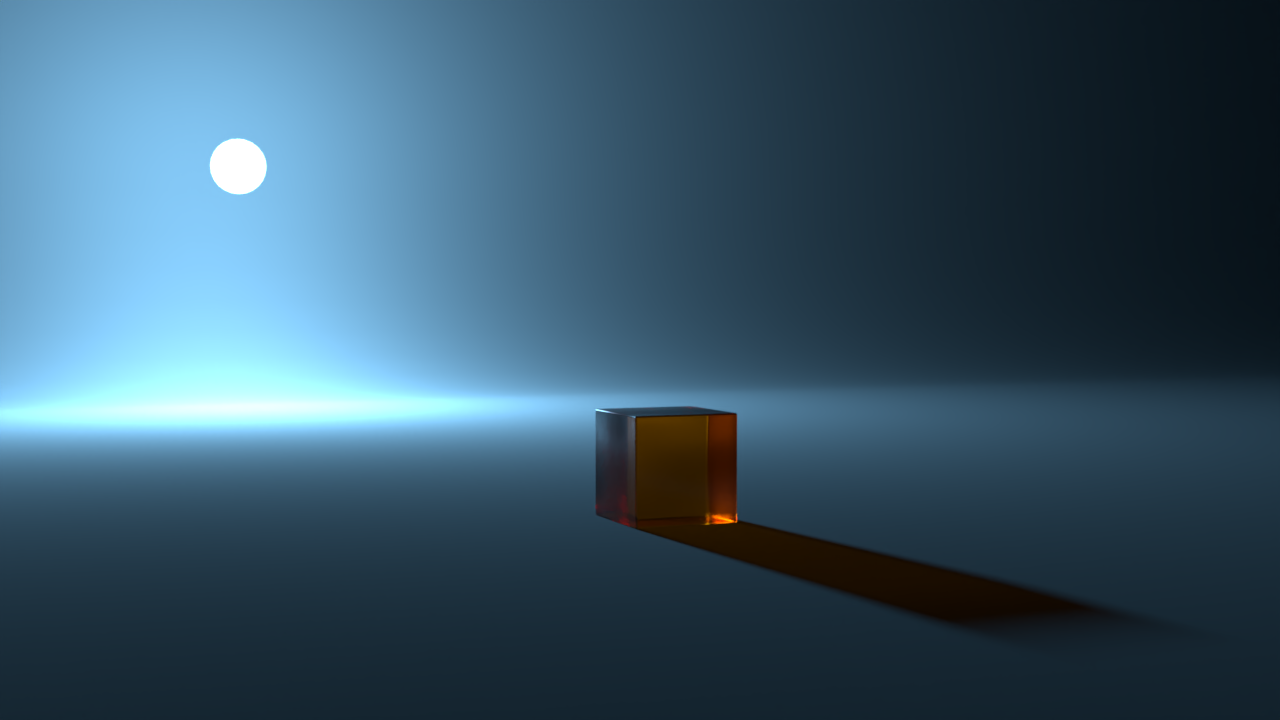
The Scene: A bright, spherical light source translating horizontally behind a transparent orange cube, casting dynamic soft, colored shadows. The Inputs for AI:
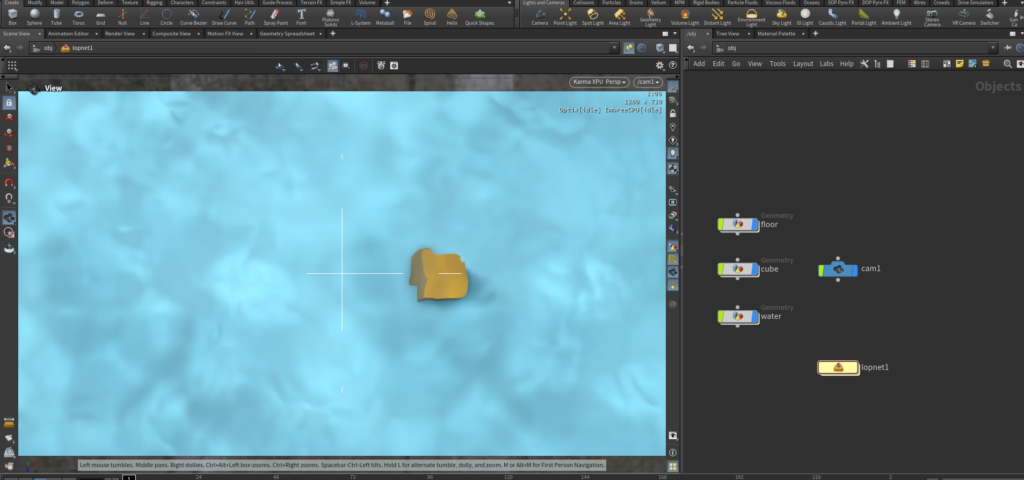
- Reference Video: The raw Houdini Flipbook viewport preview (to provide the exact geometric motion path).
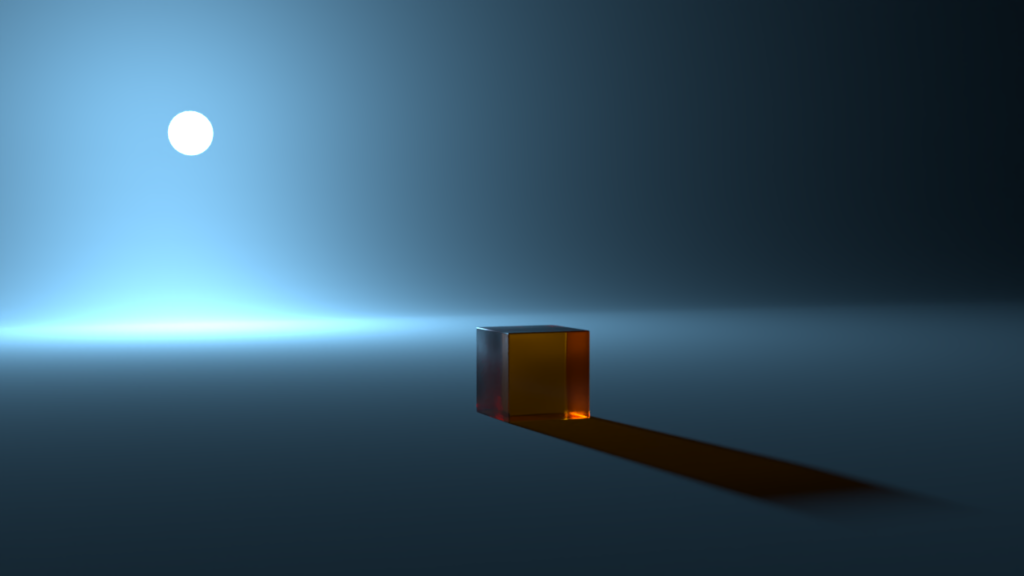
- First Frame: The first frame of the fully rendered and denoised Houdini sequence.
- Prompt: “Moving bright ball of light. Realistic shadow cast by the transparent orange cube. Use reference image as first frame.”
I ran these identical inputs through two of the leading multi-modal video generators: Kling 3.0 and Seedance 2.0. Here is the breakdown of the results.
The Results Analysis
1. The Ground Truth (Houdini + Denoise)
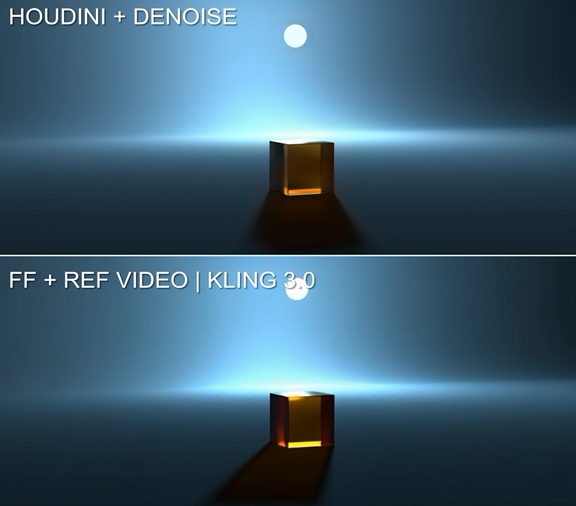
Before judging the AI, let’s look at how actual physics behaves. In the Houdini render, as the bright sphere moves from left to right behind the transparent cube, the resulting colored shadow shifts its angle in exact, inverse correlation to the light source. The orange tinted shadow projected onto the ground is physically accurate and scales logically as the light source changes position.
2. Kling 3.0: Aesthetically Pleasing, Physically Almost There
Kling 3.0 does a highly commendable job of maintaining the initial aesthetic established by the first frame. The texture of the ground and the glass-like quality of the cube remain quite stable, and the overall movement of the ball and the reflections off the cube are remarkably similar to the control footage.
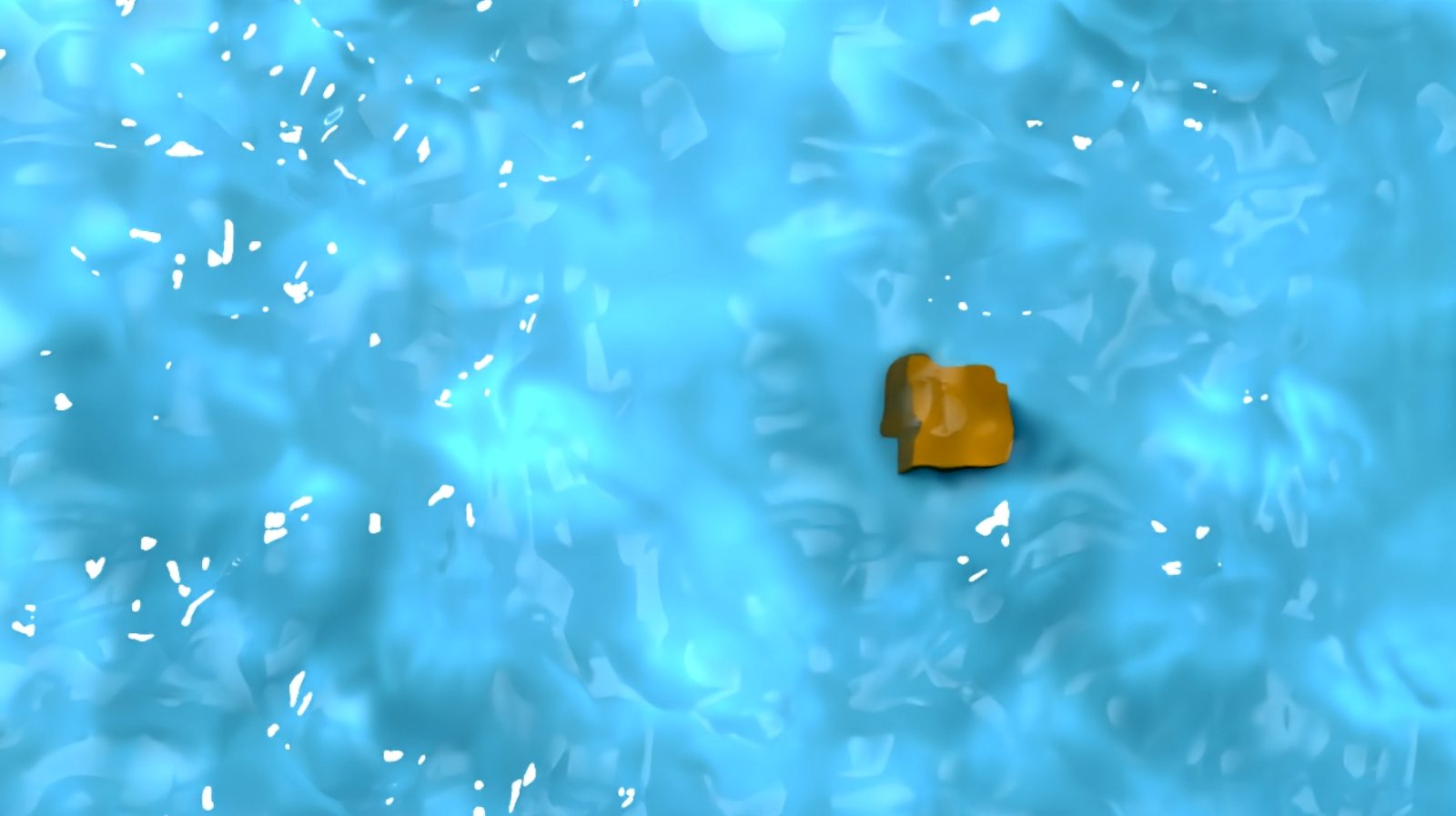
The Physics Breakdown: Kling actually does a surprisingly decent job mimicking shadow-casting logic for a majority of the clip. It manages to infer depth; when the ball travels further to the right of the frame, Kling correctly elongates the shadow, matching the behavior of the Houdini control footage. However, its understanding of absolute spatial coordinates breaks down at specific points in time. As seen in the reference frame below, when the ball is directly behind the cube, Kling fails the geometry test and skews the shadow to the left, rather than casting it directly in front of the cube. It is approximating the physics based on visual context, rather than calculating actual spatial relationships.
3. Seedance 2.0: Loose Tracking and Creative Liberties
Seedance 2.0 seems to have a mind and opinion of its own. Despite being fed the same prompts and reference video, it actively decided to ignore the 1:1 motion constraints and initiated a camera pan instead.
The Physics Breakdown: While it abandoned the tracking data (the reference video clearly shows the relative size and position of the ball relative to the cube, yet Seedance interprets the ball’s movement as perfectly symmetrical from left to right), the execution of its own idea is impressive. It handles the camera pan smoothly, and the lighting and material rendering look completely comparable to both Kling and the Houdini control.
The Verdict
The true state of AI video generation isn’t that it completely fails at physics, but rather that it relies on highly educated, aesthetic approximation instead of mathematical simulation.
Kling 3.0 proves that AI can infer complex physical relationships, like elongating a shadow as a light source moves further away, but it will still slip up on basic spatial alignment when it lacks a true 3D coordinate system. Seedance 2.0 proves that these models can render beautiful, accurate materials and lighting, but they often prioritize cinematic flair over strict adherence to your control inputs.
Ultimately, if you do not need exact 1:1 motion tracking with your control footage, tools like Seedance successfully fail the mission by providing gorgeous, usable alternatives. But if you are working in a pipeline that demands absolute precision, where a light must accurately cast a shadow directly beneath it, AI is still a black box of creative liberties. For true control, procedural workflows remain undefeated.