
Making a 15-Second Skincare Ad with Google Flow: From Storyboard to Final Cut
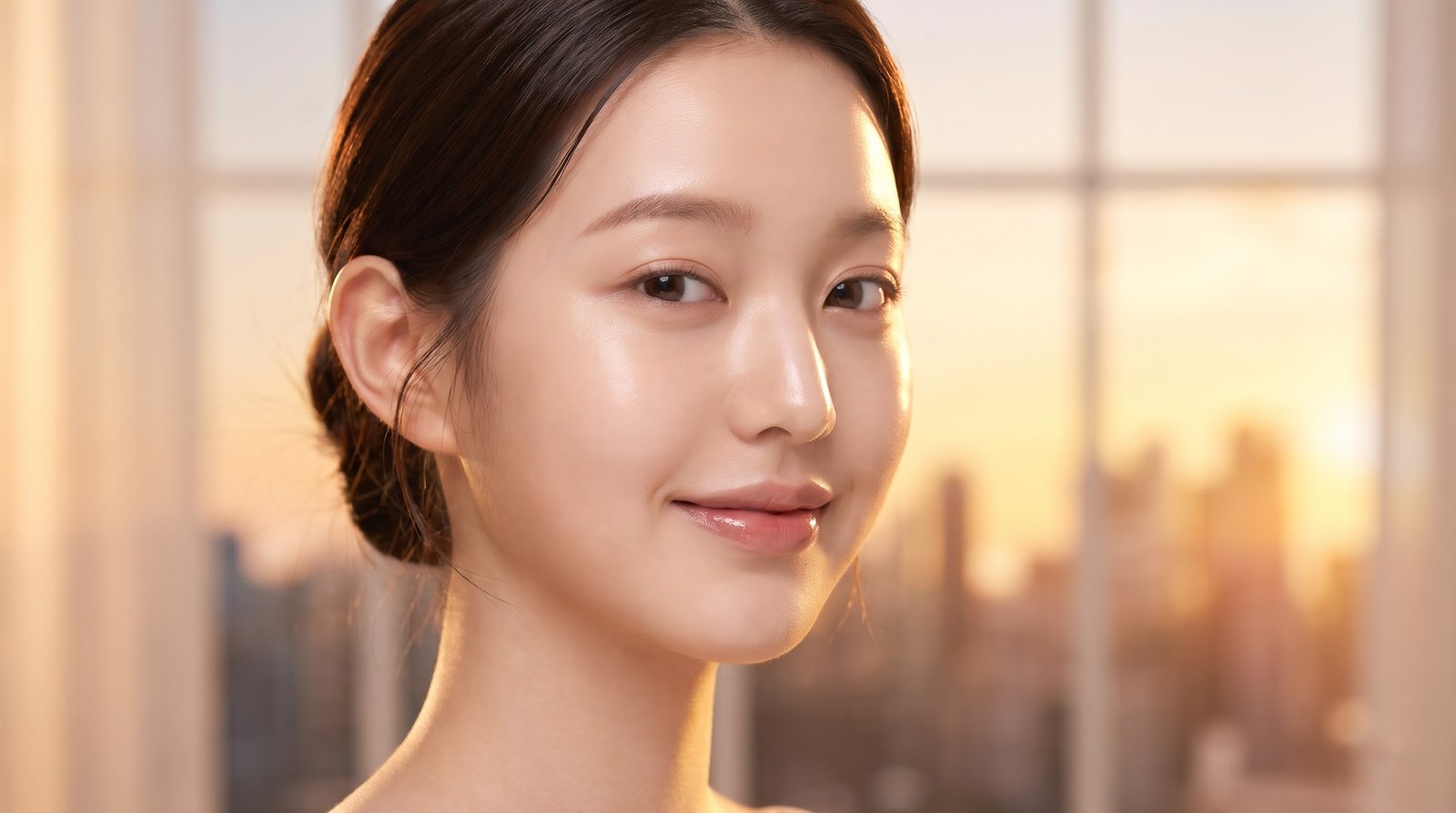
I wanted to see how far I could take a polished beauty ad with generative AI alone, so I made a 15-second spot for the 17HOURS Speedy Aqua Bubble Mask. There is no voiceover. Every shot sells one benefit, and the visuals, sound effects and music carry the message. The ad itself is about 15 seconds, and about 18 seconds with the logo end card.
The plan: five shots, three benefits
I started from the product page and picked the benefits that can be shown instead of told: it is quick (a mask in about 20 seconds), it feels cold on the skin, and it leaves skin dewy and ready for makeup. Then I split the ad into five shots:
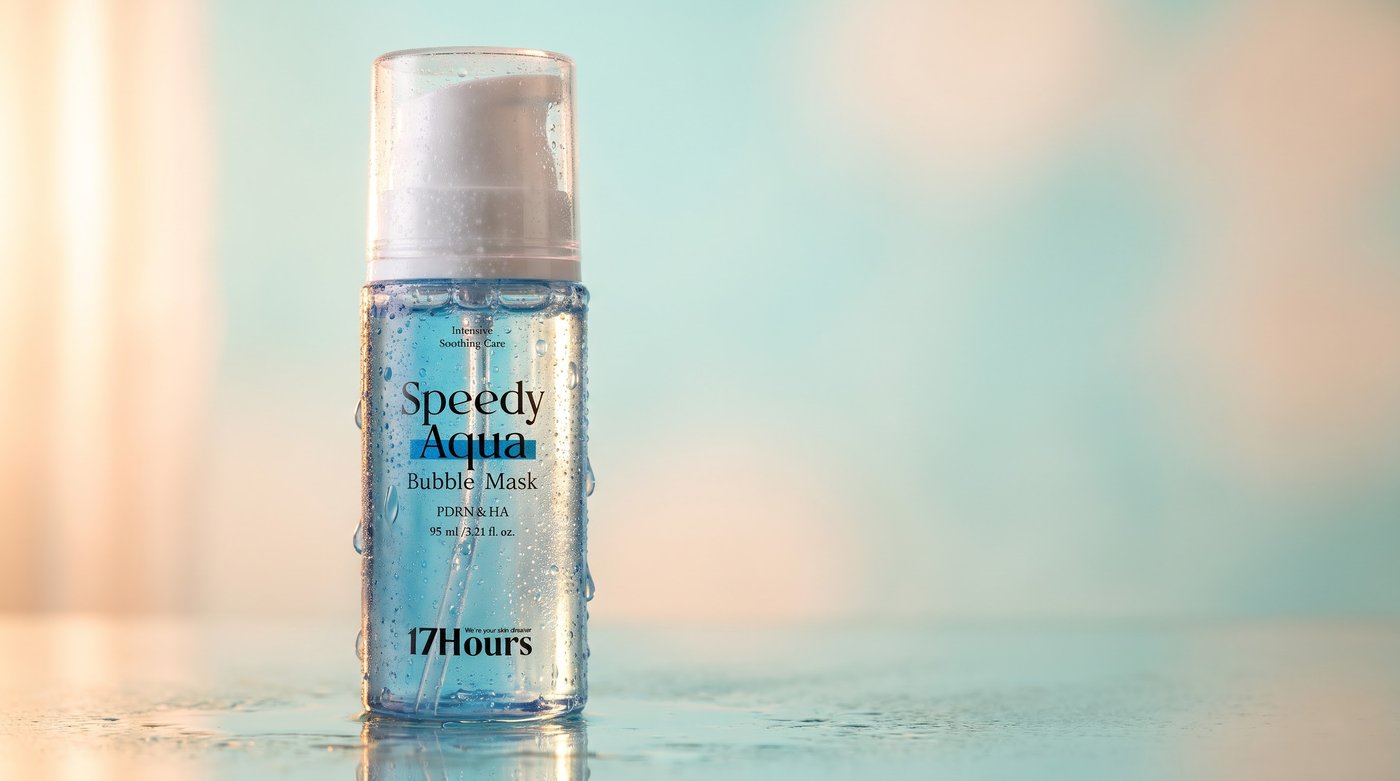
- Product: the bottle on wet glass covered in droplets.
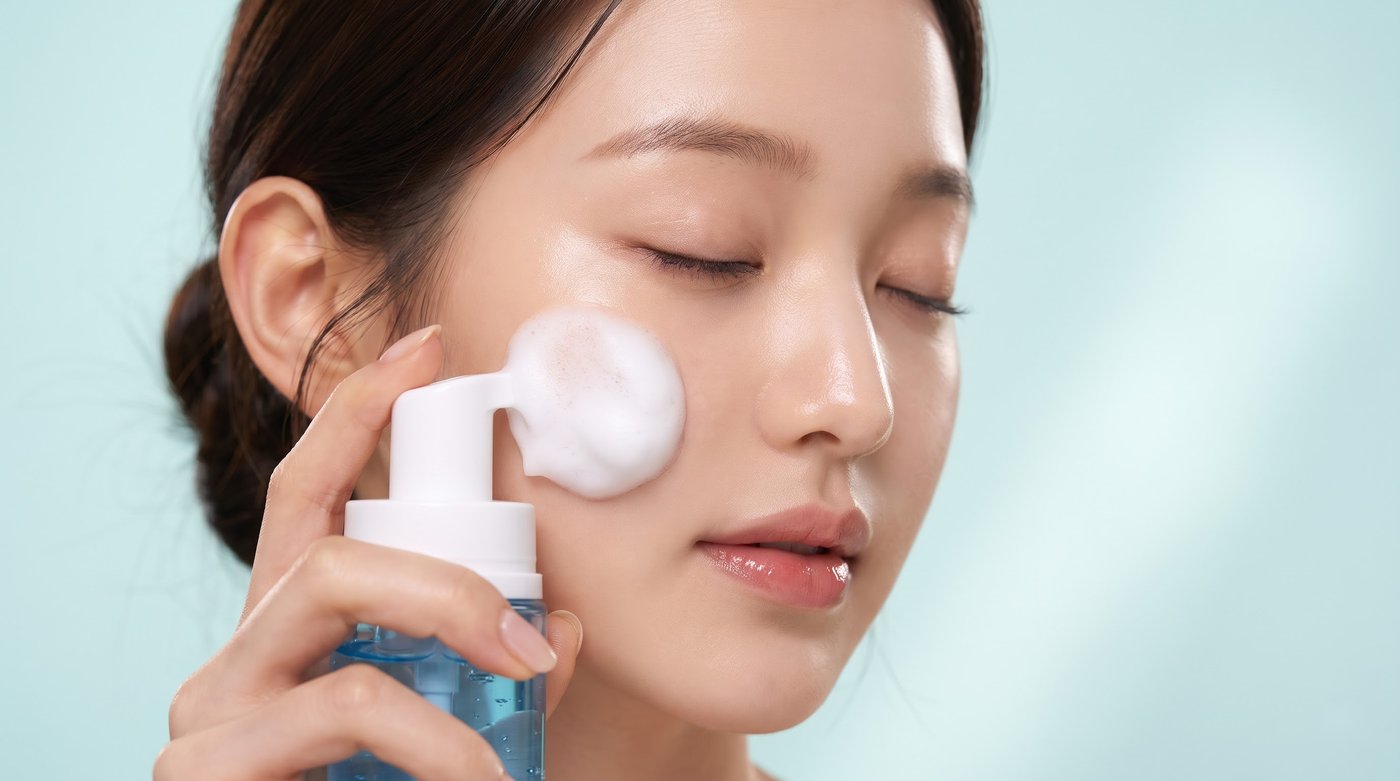
- Pump: the nozzle pressed on her cheek, foam forming directly on the skin.
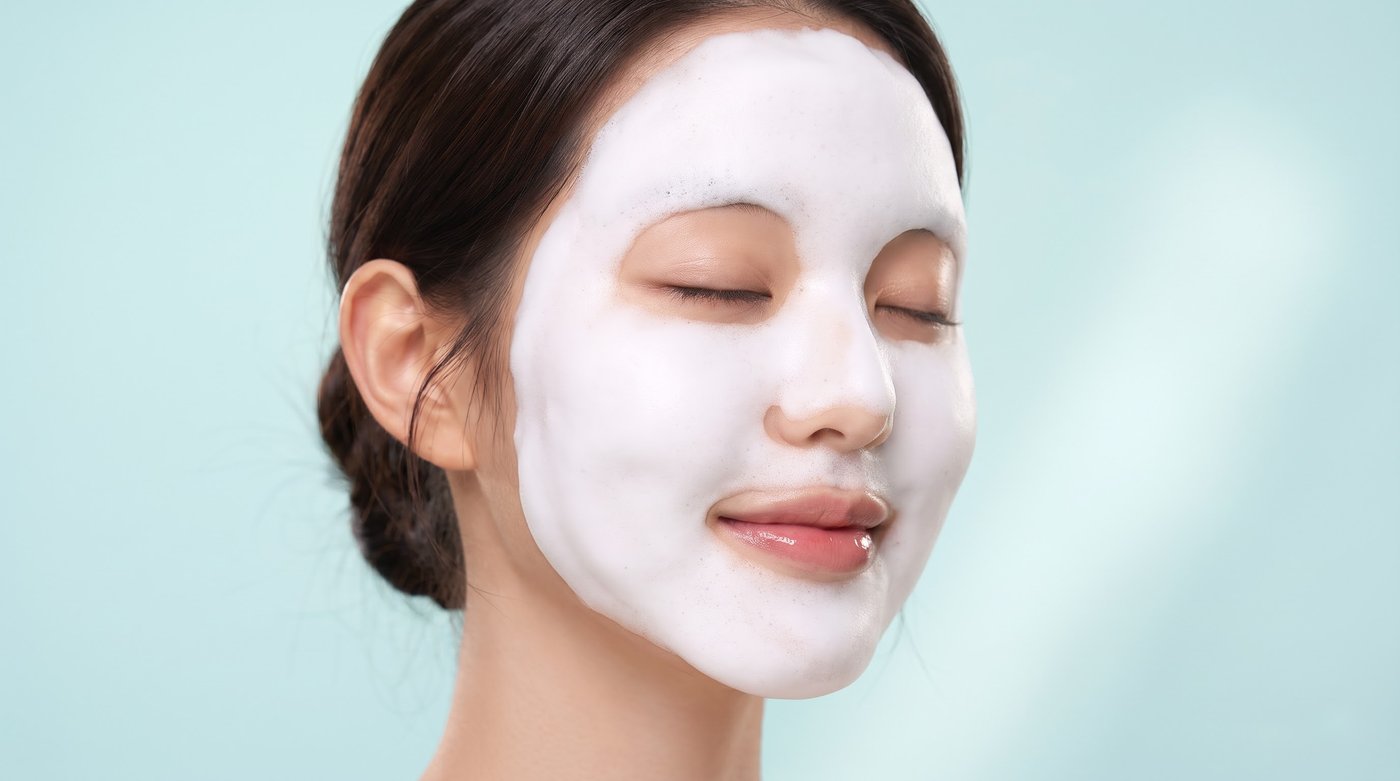
- Foam mask: a thick foam mask covering her face.
- Cooling: the foam melts away into dewy skin in cold blue air.
- Result: glowing skin in warm sunset light.
Shots 2 to 4 are one continuous take. The camera orbits her in a single direction, so the foam appearing and melting happens inside one smooth move.
Step 1: stills first
I made each shot as a still image in Google Flow first. Approving a still is much cheaper than approving a video, and the stills later served as the reference images for the video.
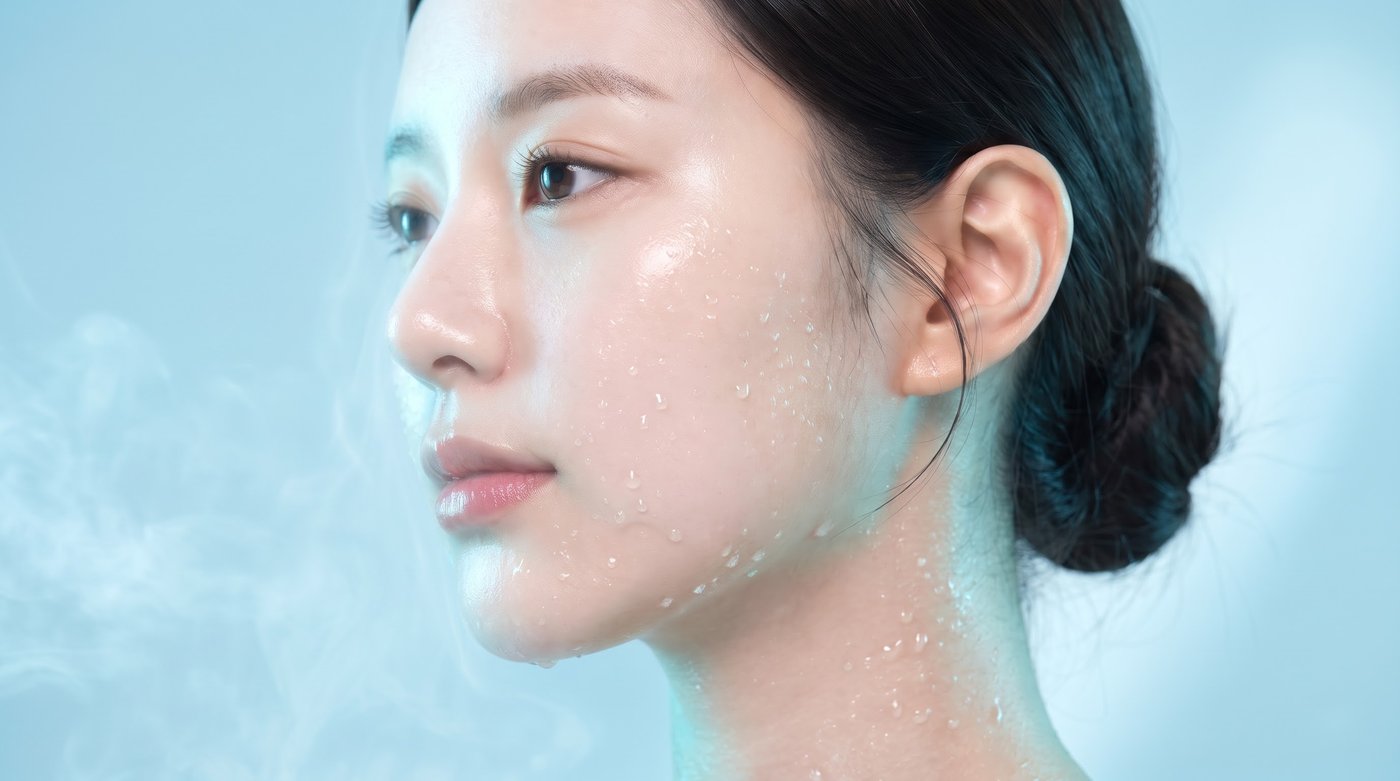
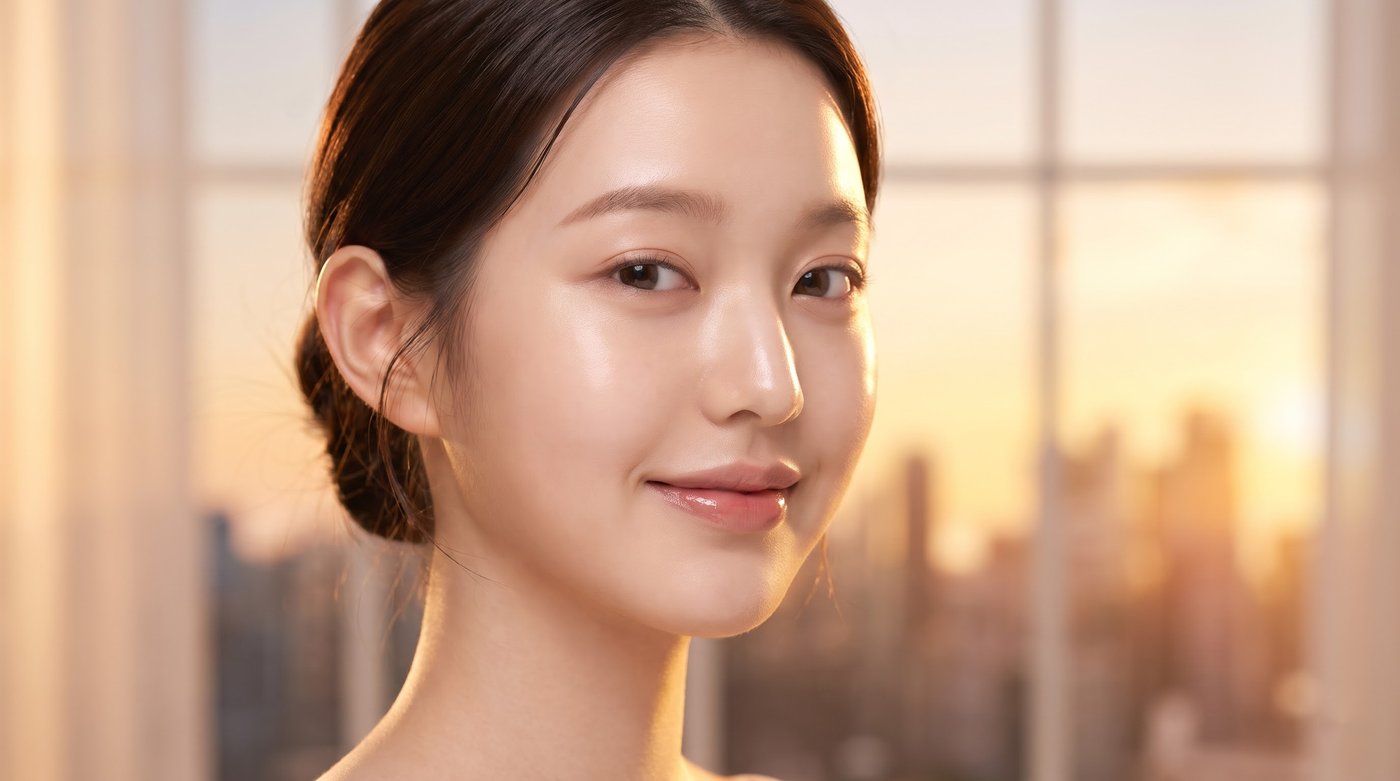
Step 2: stills to video
I generated the video clips in Google Flow with the Omni 1.1 Flash model in its reference ("ingredients") mode. I gave it the stills as references instead of locking them as first and last frames, so the model had room to move the camera. Each clip was 4 to 8 seconds, I generated two versions per clip, and I approved each clip before moving on to the next.
What went wrong, and the fixes
- The label text kept changing. The model invents text on a bottle. I added real close-up photos of the packaging as references, wrote the label wording into the prompt line by line, and told it not to pull focus, because the focus change made the letters look wobbly.
- The camera got too close and cropped the bottle. I limited the push-in to a few percent and told the model the whole bottle must stay inside the frame.
- The camera reversed its spin halfway. The model went one way around her in the first sweep and the other way in the second. Saying "clockwise" fixed the second sweep but not the first. What worked was one rule, "clockwise seen from above, one direction only", plus a description of what it looks like on screen: her face turns toward the right edge of the frame, the back of her head comes into view, then her face returns from the left edge.
- The foam looked like a sheet mask. The word "mask" made the model draw something thin and flat. I described a thick, puffy, three-dimensional bubble foam and wrote that it is not a sheet, fabric or paper.
- The background colour jumped. The cool blue of shot 4 switched on like a light. I wrote the colour change over time, so the cool tone builds gradually while she is hidden behind the camera move.
- Moles and a watermark. I removed a mole that showed in some shots so she looks the same throughout, and removed the Flow watermark from every frame.
"The camera orbits her in ONE direction only, clockwise when seen from above, and never reverses."
Post-production
I joined the clips in the edit and handled the transition between shots 4 and 5 there, so I could control its timing. I kept the sound effects generated with the clips, added background music in post, and finished with the 17HOURS logo as an end card, which brings the total to about 18 seconds.
What I took away
- Approve stills before video. It is the cheapest place to change your mind.
- Do not trust the model with text. Give it real photos of the product and write the exact wording in the prompt.
- Describe motion in several ways: the rule, and what you will see on screen.
This is my own concept piece. 17HOURS did not commission it and I have no affiliation with the brand. The model is AI-generated.