VFX Breakdown: Changing Youngji’s Red Hair to Black Using AI
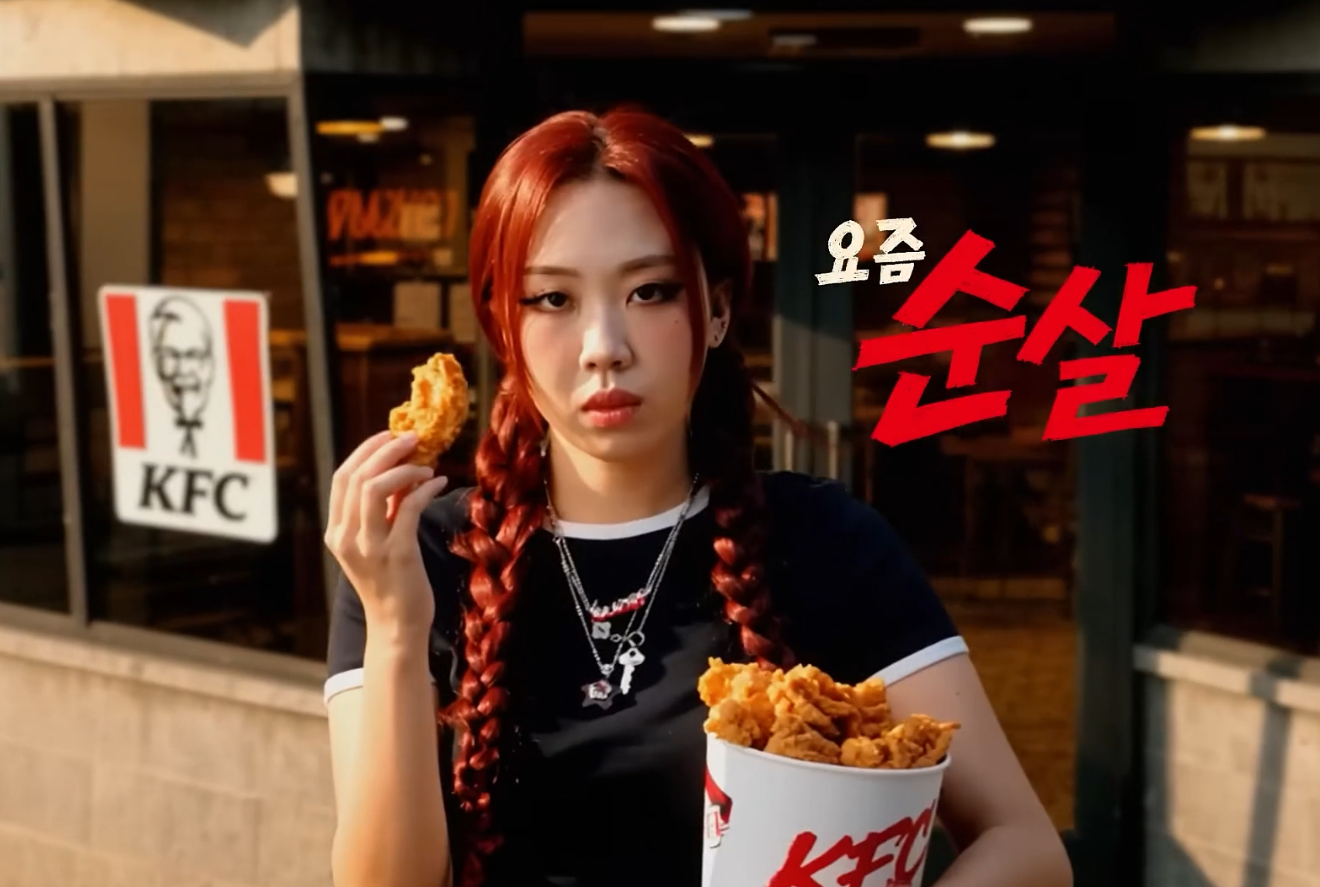
Do you guys remember the Youngji red hair scandal during the local elections? She dyed her hair red, people started taking it as a political signal, and she had to rush to the salon, dye it back to black, and drop an apology. But what happens to the commercial spots she already shot? She had this KFC commercial running where she was still sporting the red hair. I thought this was the perfect scenario for some practice. I wanted to see if I could use AI to retroactively change her hair to black in a 3-second shot from that commercial. It’s kinda like a narrative behind the reason I chose this specific shot to practice on, treating it like a real-world post-production rescue mission to fix a finished asset without needing a reshoot.
Getting the First Frame
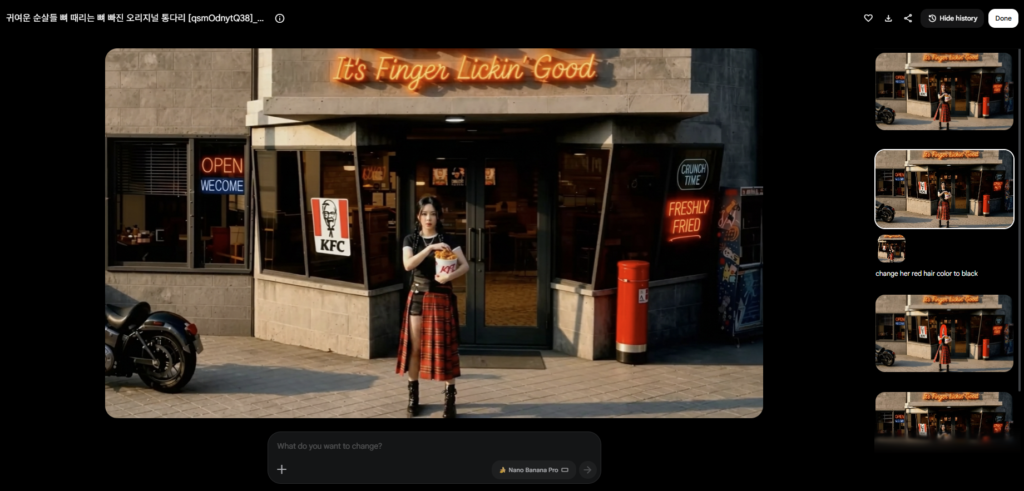
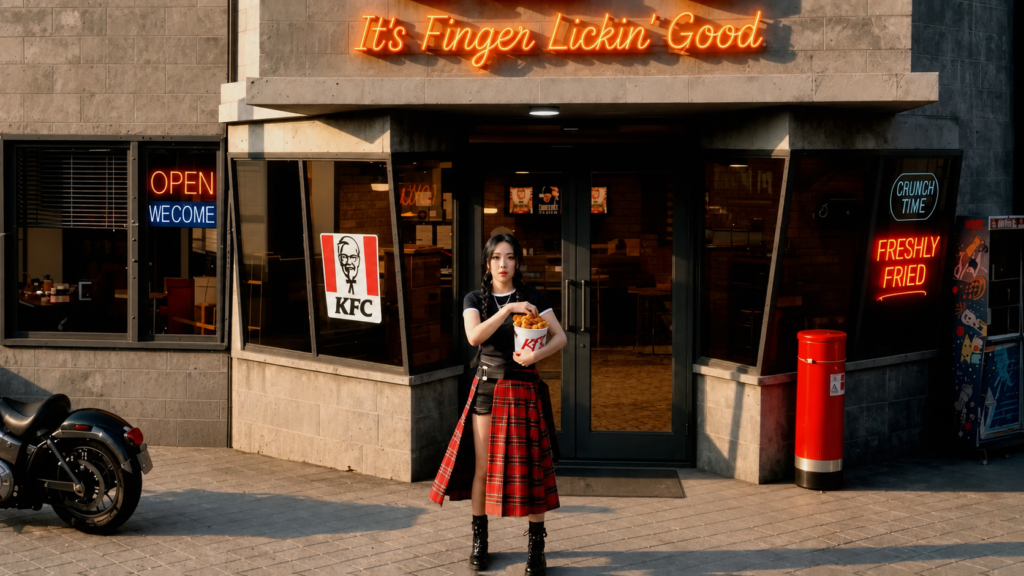
I started by taking the shot and extracting the very first frame using AE. At first, I used Nano Banana Pro to change the hair color, but several prompts later, her face kept changing. I decided to switch over to ChatGPT Images 2.0, and it was one prompt, one kill. It gave me the perfect starting frame with black hair while perfectly preserving her actual face.
Generating the Video in Kling
With the first frame ready, I went to Kling and used the First Frame plus Reference Video method. My prompt was to change the subject’s hair color in the video to black, using my newly generated image as the first frame. I hit my first obstacle here because the reference video was too short for Kling. It was about 60 frames for a 24 fps video, but Kling needs a minimum of 72. So, I jumped back into AE and freeze-framed the front and back for a few frames to hit that 72-frame requirement. I put the extended clip back into Kling and ran it. The generation was one try, one kill.
Masking in ComfyUI
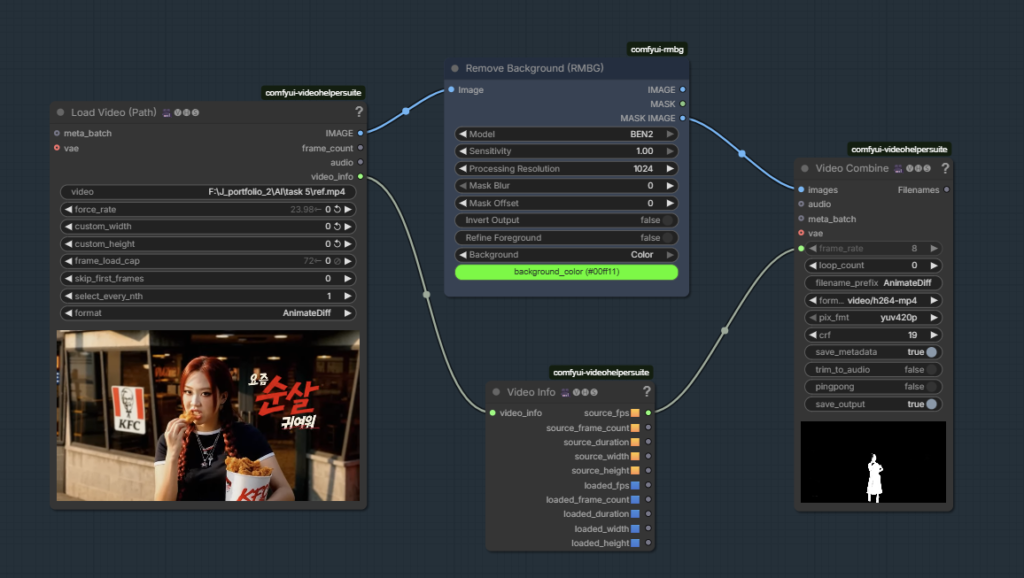
Even with a great AI generation, I didn’t want to just paste the new video over the commercial and ruin the background and all the KFC branding. I needed to isolate her. I booted up ComfyUI and used the RMBG node on the BEN2 model to extract just the mask of Youngji from the original video. Well, I could have rotoscoped her out in AE directly, but where is the fun in doing it manually when I can throw it to AI to do it quickly? Furthermore, all I needed was a rough mask, so RMBG within ComfyUI was more than enough.
Final Comp in AE
For the final step, I brought everything back into AE. I used a luma mask to remove the dark parts of the mask and added a feather to soften it. Then, I used minimax to increase the area of the non-alpha channel so the new mask would completely cover her original red hair. Finally, I overlayed the Kling footage of black-hair Youngji over the original video, using a Track Matte of the edited mask of Youngji to get the final output.
The final result seamlessly replaces the controversial red hair while keeping the original environment and lighting completely intact. It really goes to show how integrating generative AI tools into a standard workflow gives you a ton of creative control and efficiency, especially if you ever need to save a campaign from a sudden PR issue.